
But knowing how and where to report these scams can be a minefield. What's even more frustrating is that after navigating how to report something, your report leads to nothing.
As someone who deals with scams daily, I've come to learn the best ways to report a scam.
Here are my go-to methods for reporting scams.
Social media scams
Most major social media platforms have three dots in the top right corner that can be selected before pressing ‘Report’. You can use this to report any scam posts, adverts or comments you come across.
However, sometimes this isn’t enough to get the scam operation taken down, and I know that frustration all too well.
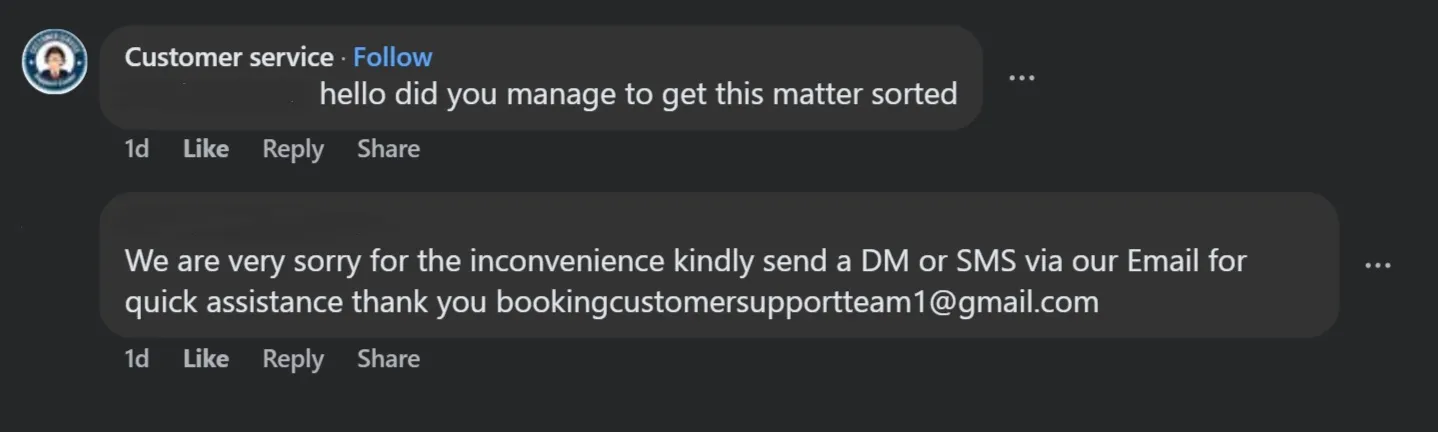
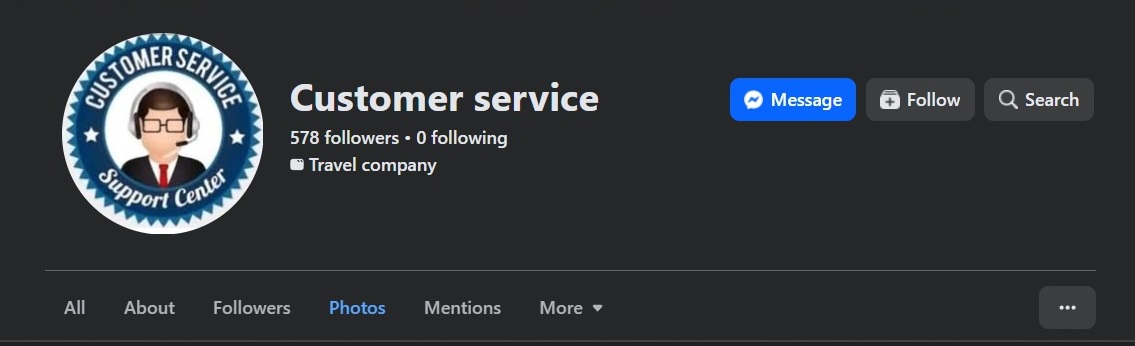
Another step I take is to report the page and profile that the content is shared on. If you click on the page or the profile, there should also be three dots in the top right corner, which you can select to report it. In a scam we uncovered earlier this month, we reported both the comment and the page posting the comment.
Scam adverts
Scam adverts found on Google can be reported by selecting the three dots on the right of the advert and pressing ‘Report’.
Websites
You’ll be asked to provide the website address and how you were led to it. You should also add as much information as you can into the ‘tell us more’ box, so that the NCSC has a better understanding of how the scam operates.
We also collect scam reports to inform our journalism and policy work on scams, and we share all suspicious websites reported through our tool with NCSC.
Emails
Email platforms have reporting mechanisms for suspicious messages. On Gmail, you can select the three dots on the right of the email address and press ‘Report phishing’. On Outlook, select the three dots on the right of the email address and press ‘Report’ > ‘Report phishing’.
On Yahoo, you can select the three dots at the top of the email and select ‘Spam’ before entering a reason.
Scam emails can also be reported to report@phishing.gov.uk. Reports of scam emails to report@phishing.gov.uk have resulted in the removal of over 250,000 scams.
You can also report suspicious email addresses – for example, if they are being used to impersonate legitimate companies.
Texts
Scam texts can be reported by forwarding them to 7726, which reports the message to your mobile network.
This is also an effective way to report any website linked from the text. According to Report Fraud, as of May 2026, more than 40,600 scams were taken down across 91,000 websites as a result of reporting to the 7726 service, where scam calls and texts are reported.
With a WhatsApp message, you can open the WhatsApp chat with the dodgy phone number and tap 'block'. You can report the contact by tapping 'report contact' and 'block'.
Phone calls
If you receive a suspicious call on an iPhone, you can report it to your provider by texting the word ‘call’ followed by the phone number to 7726.
If you have an Android phone, text the word ‘call’ to 7726. You’ll then receive a message asking you for the scam number.
On WhatsApp, select ‘Calls,’ swipe left on the dodgy number, press the three dots and select ‘block and report’.
If you've lost money or spotted an unauthorised transaction on your account, contact your bank immediately using the phone number on the back of your card.
source https://www.which.co.uk/news/article/im-a-scams-expert-and-these-are-my-tips-for-reporting-scams-aCcbR8q8JpHw