
That's why when we test free and paid antivirus, we also include built-in Apple and Windows protections, to see how they stand up against growing threats such as phishing.
Phishing webpages are designed to coerce you into disclosing data, such as payment details, passwords or other personal information, which is then used by scammers to gain access to your online accounts or steal money. Alternatively, it can be used to trick you into clicking on a dodgy link or opening a corrupted file. These are typically infested with malware and spyware used to compromise your computer.
We bombard every software we test with tens of thousands of threats, including a variety of phishing pages, to see how many dubious websites they can detect.
Jump straight to the and to find out which free and paid-for antivirus will keep your devices safeCan Windows Defender detect phishing?
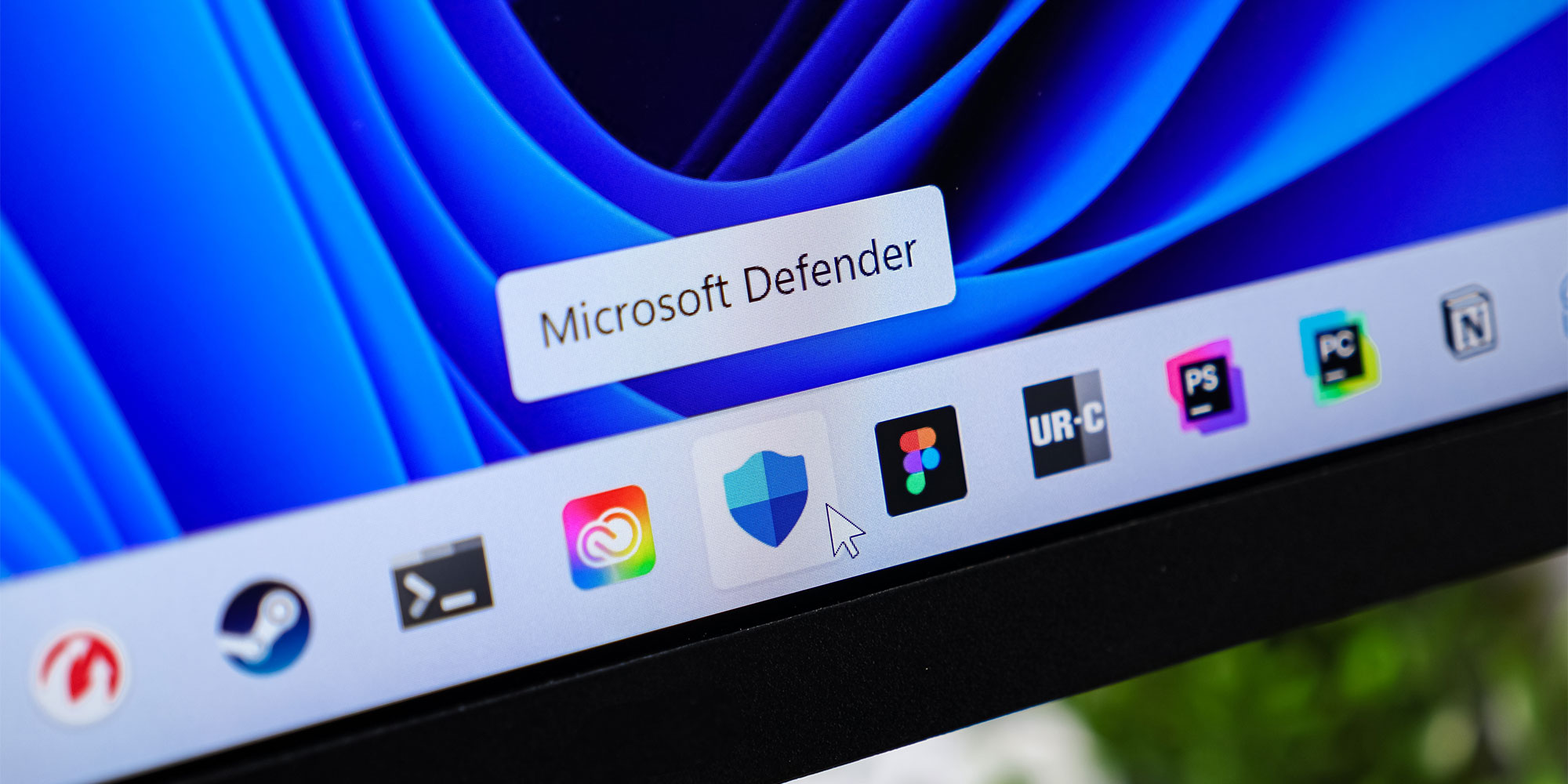
Defender is a separate security feature within Microsoft Windows. Strictly speaking, it's not antivirus software, but it offers many of the same protections and features. It's pre-installed on all Windows 10 and 11 devices, and it works actively and quietly in the background from the moment you turn your computer on.
While it's good to know it's there, it can't be relied on alone to protect you from phishing sites.
Over the years, our tests have found that Defender still lags behind most third-party antivirus software, especially when protecting against phishing attacks.
Defender uses Microsoft SmartScreen in the Edge browser to monitor for phishing – Apple does something similar with macOS (see below).
Unfortunately, Microsoft SmartScreen was disappointing in our tests, failing to detect any of the new phishing test pages we subjected it to.
Can built-in macOS protect against phishing?
The Mac ecosystem is a far more strictly controlled, regulated and confined environment, and Apple oversees what third-party software is released on it.
This ‘walled garden’, as it’s colloquially known, makes it harder and less profitable for criminals to unleash malicious software on it.
But don't mistakenly think that Macs are invulnerable to online threats, particularly when it comes to protection against phishing attacks.
Here, like Microsoft, Apple outsources protection – it uses Google Safe Browsing to identify fraudulent websites on the Safari browser.
In our tests earlier this year, the Apple Mac operating system (macOS) has improved slightly in tackling malware, but completely failed to detect the new phishing sites we threw at it. Similar to Windows Defender, it lags way behind even a mediocre third-party antivirus.
Common phishing attacks you need to look out for
 Urgent bank issue Account will be deactivated Social media compromisedCalendar invite deception
Our top three phishing tips
Before clicking on a link in an email or text, we always advise:
Double-check the sender's details and the domain nameIs the information being asked for relevant, and do you normally give this information?Were you expecting to receive the link?If you spot any of these three things in the message, it's most likely a scam or a phishing link. Don't click on any links or share any personal information.
If the message is from someone you know, call them directly. Or if it's from your bank or another business, always call it on a trusted number to confirm. This can be found on the main webpage which you should search for separately - don’t click on any suspect links.
If you come across a scam, let us know by using oursource https://www.which.co.uk/news/article/why-your-pc-doesnt-protect-you-from-phishing-agBoy3d6xJXD