
When you're researching which laptop to buy, you’ll see praise for a flagship £2,000 Dell laptop, and a £300 bargain HP that looks just like a dozen other HP laptops. So what’s the difference really?
What you need is a guide on what will be best for you – to get what you need, and avoid a costly mistake on what you don’t.
Chris didn’t know what specs suited her uses. And with so much to consider when buying a laptop, she didn’t know what to focus on.
At Which? we’re testing laptops continuously throughout the year, so we know exactly what matters most – see our advice for Chris so you don’t get caught out. Plus find out which model she bought.
– Looking for a shortcut? Our expertly curated recommendations tell you exactly which models to go for, whatever your budget.What makes Which? laptop recommendations stand out?
How we helped Chris
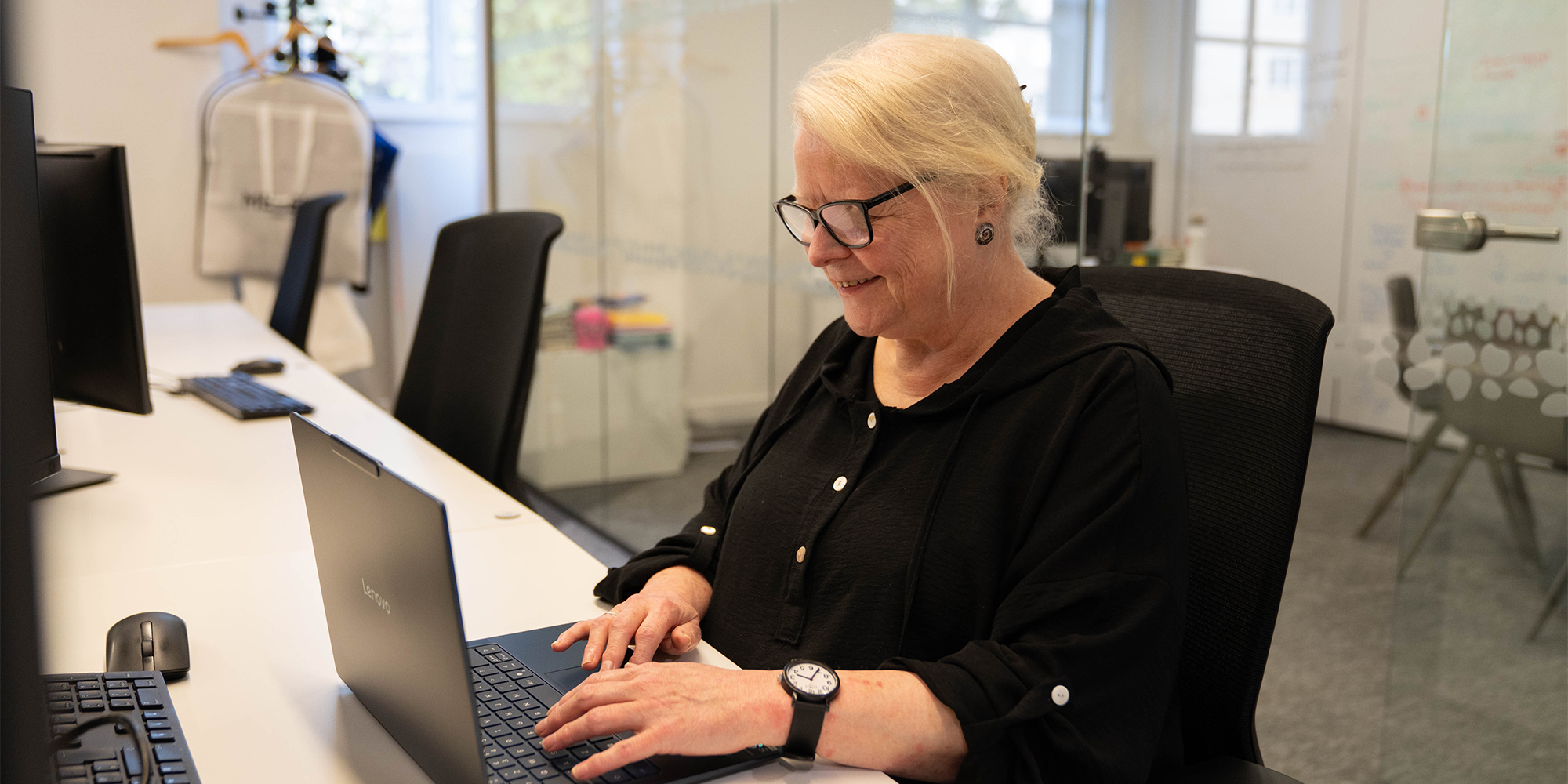
Like many of us, Chris has used a laptop for work for years. However, choosing one for her own personal use was tricky - she didn't know which specs and ports to prioritise.
Chris has recently retired - she's been a very much appreciated colleague of ours for many years, so we really wanted to do her justice and help her find a model she would enjoy using for years to come.
Chris said: 'I was completely lost in a labyrinth of options. I couldn't weigh up incomprehensible technical specs.
'Even where I understood what they meant, I had no idea of how suitable they'd be for what I needed.'
What do you need your laptop for?
Chris wanted a laptop for typical everyday tasks: for emails, reading documents and using Office software. Not for higher-end uses, like photo and video-editing. Chris also confirmed she didn’t save loads of photos and videos that would require additional storage space.
She’s also a long-time Windows user, so it made sense to stick with what she knows, and she was happy with the 14-inch screen size of her previous laptop. So for familiarity, we went with that.
Chris told us that she intends to buy a laptop once and forget about it – so we needed to choose a future-proofed machine that would last.
What's your budget?
Chris said she was willing to spend up to a grand. This was ideal: as it allowed us to focus on choosing a future-proofed Windows 11 machine.
It also meant we could pick a lightweight laptop. Even though Chris mainly planned to use it at home, a portable model is easier to take from room to room. Plus she wanted the option to be able to take it with her when travelling to stay with family.
A budget of around £750 would likely have meant some compromises (underwhelming but serviceable screen or sound, for example), and £500 would have limited the ability to future-proof to ensure speedy performance for years to come.
Looking for extra value? See our pick of theOur recommended specs
Chris's budget allowed us to choose a processor that exceeded her current requirements. Over the years, Windows updates will raise demands. This means a lower-spec processor will eventually become outdated and noticeably slower – exceeding requirements now counteracts this.
Since processors in laptops can almost never be changed, the spec you choose is crucial to make your laptop last.
Extra things Chris found useful to know:
StoragePorts:Battery:Arm-based processors: Keyboard and touchpadScreen sizeWhat wouldn’t be worth the money:The laptop we chose
Yoga Slim 7x Gen 11 (14" Snapdragon)
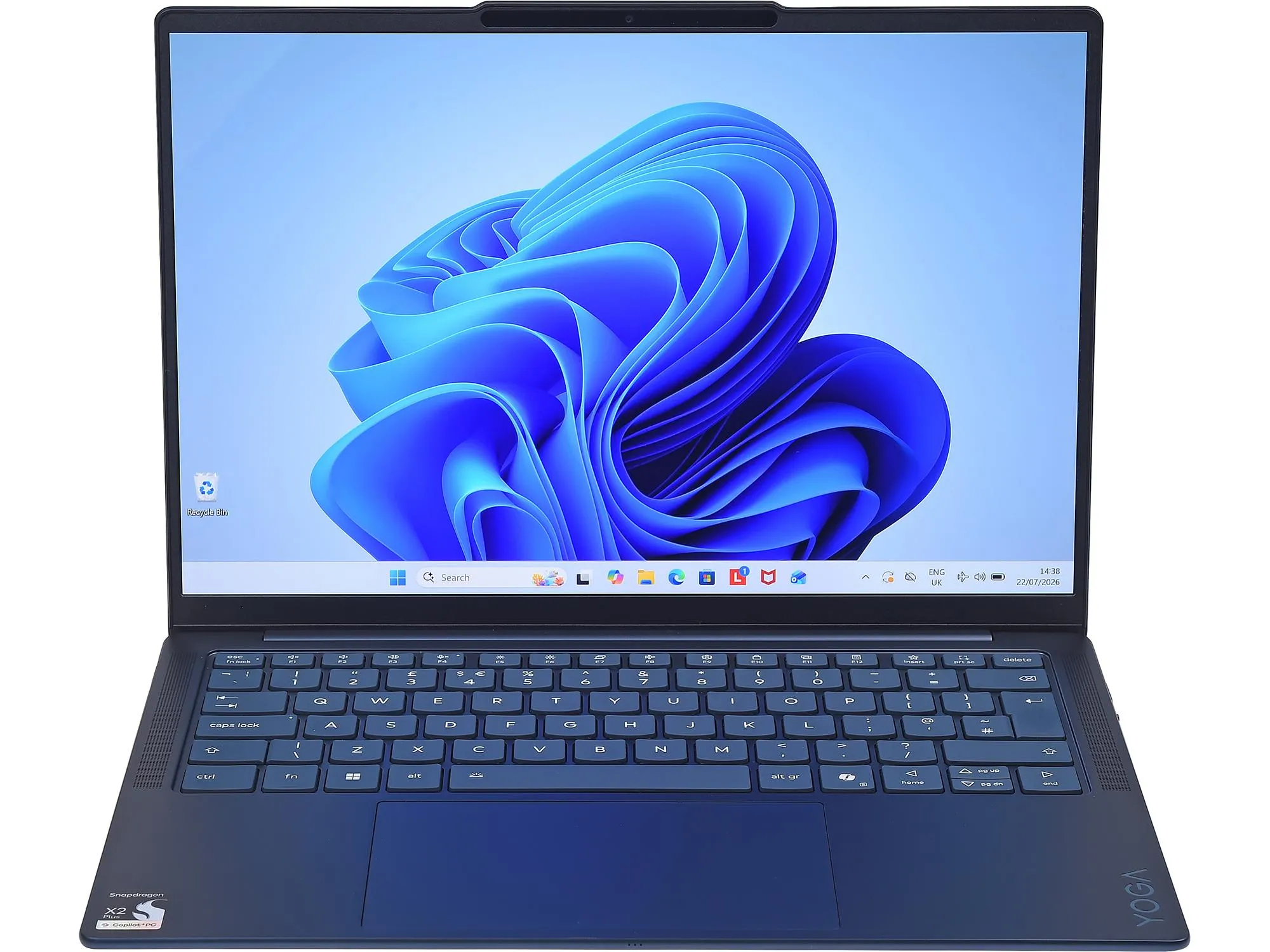
We chose this model for Chris as it’s a laptop without significant compromise. It has more power than she needs to give it longevity, while the screen, keyboard and touchpad are all superb.
Given Chris is about to settle into retirement, a laptop that’s easy to move about, shouldn’t slow down or run out of space whatever she does with it, and will continue running for ages even if you forget about charging it, sounds like a recipe for success.
We did check with Chris one unusual thing about this laptop before she bought it. It has a generous three USB sockets, but they’re all the modern type: USB-C – it’s a laptop built for the future. Chris didn’t have any devices she plugged into her laptop via traditional USB-A other than a cheap headset, which could easily be upgraded to a USB-C one.
We also flagged Lenovo offers a cheap dongle as part of the buying process for this laptop, and she opted for that in case she ever needed it.
Feeling primed to do more research for yourself based on your needs? Use the filters on our website to narrow down exactly what you’re after - head over to our expert, independent .The Which? team signposted the way

Chris said: ‘The Which? team signposted the way, steering me through the pros and cons, and pinpointing the key decisions.
'With the pitfalls mapped out, and their expert guidance, I found my way to a great laptop and got it set up with software that suited me.'
How Which? helped me:
'If I did it again, I'd maybe look more into Windows 11 set up choices and what they meant in advance. I wasn't clear what some would result in, but it’s a minor point as I know I can change/cancel these later.'
Looking for help like Chris? Our Tech Support experts are here for you
An alternative laptop to consider
Apple MacBook Neo
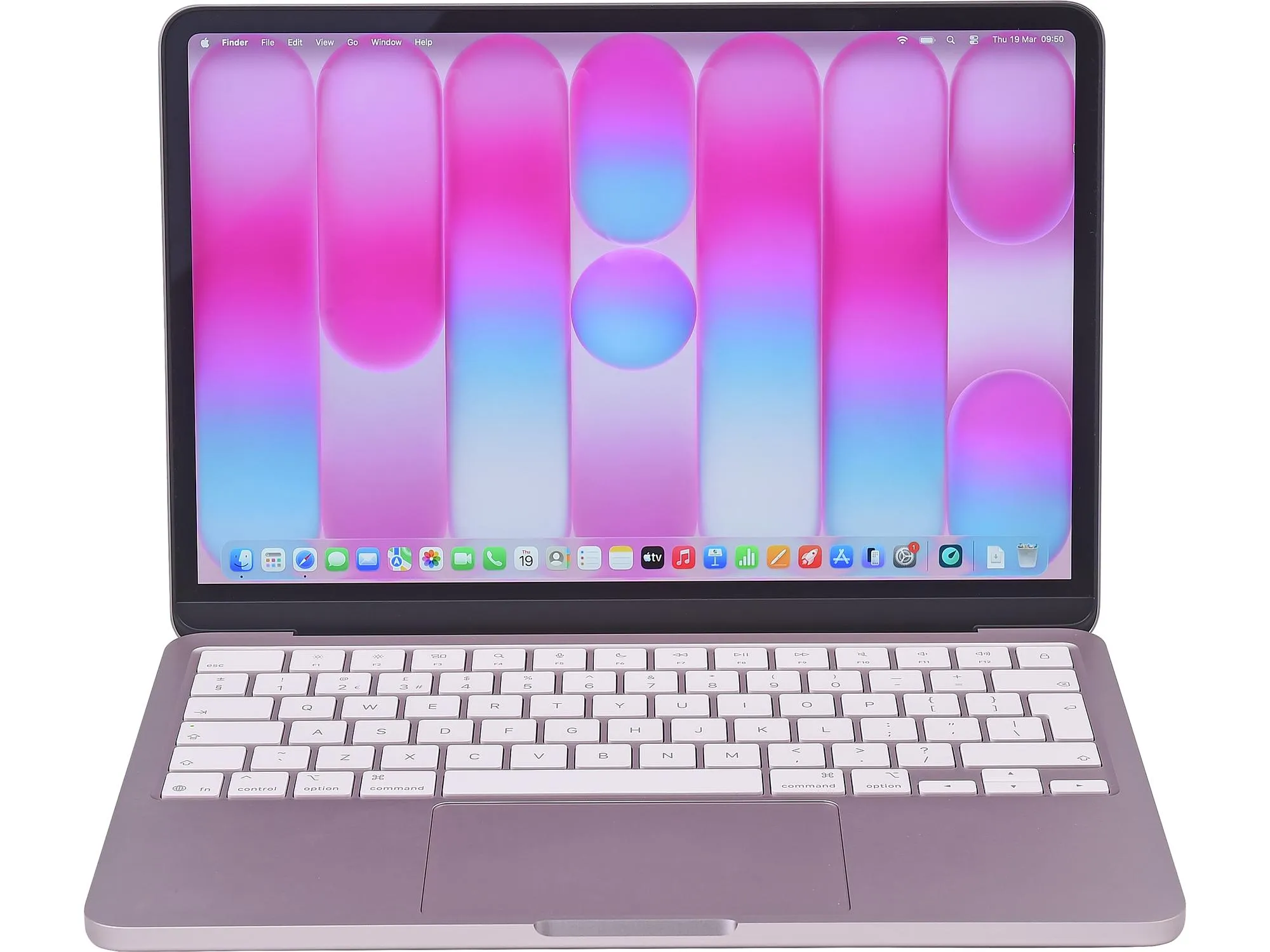 Available direct from (for £699).
If you’re interested in macOS rather than Windows, this year’s all-new MacBook Neo (available in silver, black, lime green or pink) is the default choice. Its processor is impressively quick despite being the cheapest Mac, and while its screen isn't the biggest (at 12.9 inches), it’s pretty high resolution so you could squeeze in a medium-sized spreadsheet without it getting pixellated.
It suits all of Chris’ requirements, other than not being as future-proofed as the Lenovo for two reasons.
We’d generally recommend the 512GB version of the Neo, unless you hardly save any photos or videos. For this model, see the buying links below:
Why you can trust our recommendations
Our laptop testing is completely independent – we don’t accept freebie review samples and buy every model we test.
Looking for a new Windows 11 laptop? Head to our expert guide to the .source https://www.which.co.uk/news/article/not-sure-which-laptop-to-buy-our-experts-helped-chris-choose-afwVp7Q1DRIA