
The good news is you don’t need to download expensive software to protect yourself. In fact, many of the most useful anti-scam tools are already built into your phone, email account, bank and web browser – and a few small changes can make a big difference.
Below, we run through simple ways to use these free tools to protect your data and guard against common scams. Steps for Android devices may vary depending on your phone and software.
Already a Tech Support member? For more help and 1-2-1 technical advice, including buying advice, go to our .1. Block scam calls with screen calling
At a glance:
More often than not, a scam call has one goal: to obtain your personal information or trick you into handing over money over the phone. These are often referred to as ‘vishing’ scams, a combination of ‘voice’ and ‘phishing’.
Your smartphone has built-in features designed to block or filter scam calls, so it’s worth taking a moment to set them up before the next nuisance call comes through.
On an iPhone, try this:Settings Apps PhoneAsk Reason for CallingSilence Contacts Block ContactOn Android, try this:Phone SettingsCaller ID and spamScam Detection Call ScreenAutomatically screen callsFor more details, see our advice on and .2. Filter out scam emails in your inbox
At a glance: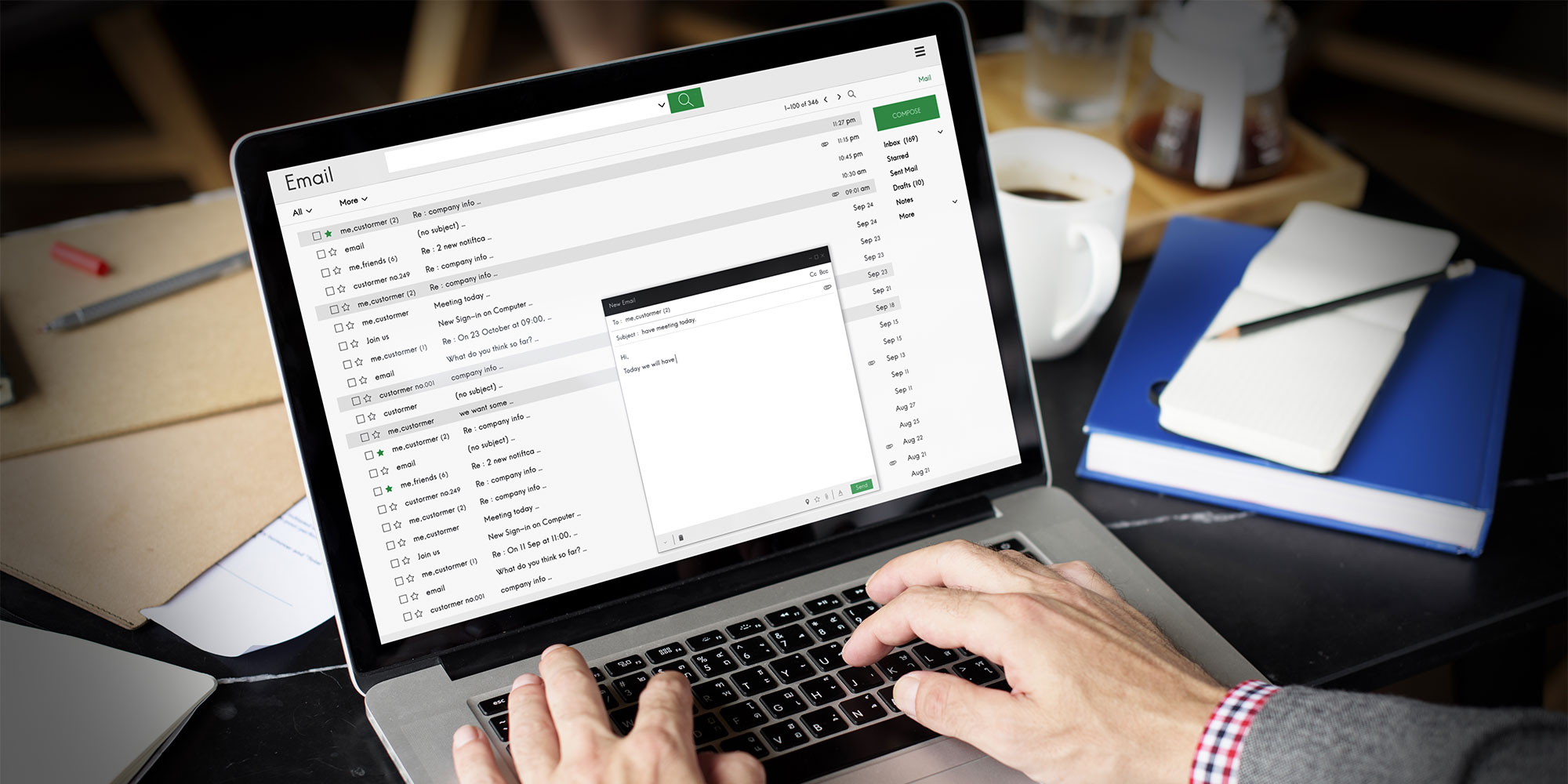
Spam emails aren’t just annoying – they’re often designed to trick you into clicking malicious links or handing over personal details. At times, it can be difficult to tell the difference between genuine messages and fraudulent ones.
Instead of blocking individual senders, you can set up simple filters to automatically delete or move suspicious emails based on keywords or phrases. This helps stop repeat scam messages before they reach your inbox.
On Gmail (from a PC), try this:Show search options Subject free BitcoinCreate filterDelete itCreate filterOn Outlook (from a PC), try this: Settings Email Layout Rules Add new ruleAdd a conditionSubject includes Enter words to look forAdd an actionDeleteSave Our dedicated guide on also covers Yahoo, BT Mail and Apple Mail.3. Use a password manager to secure your accounts
At a glance:
Reusing the same password across multiple accounts makes it much easier for scammers to break in, especially if your details have been exposed in a data breach. Once one account is compromised, others can quickly follow.
A password manager helps solve this by generating strong, unique passwords for every account and storing them securely in one place. That means you don’t have to remember them all yourself. Most can also autofill your login details and alert you if any of your saved passwords have been involved in a data breach.
There's a variety of online password managers to choose from, including:
4. Turn on two-factor authentication (2FA)
At a glance:
Even strong passwords can be exposed in data breaches, which is why adding a second layer of protection is so important. Two-factor authentication (or 2FA) makes it much harder for scammers to access your accounts, even if they manage to get hold of your login details.
When 2FA is switched on, logging in from a new device requires an extra step – usually a code sent to your phone or generated by an app. Without that code, anyone trying to access your account will be blocked.
You don’t need to set this up everywhere at once. Start with your most important accounts (we recommend your email, banking apps and social media), as these are often targeted by scammers. For example, you can enable 2FA on the following services:
WhatsApp Settings Account Two-step verificationTurn on or Set up PINSave DoneFacebook three linesSettings & privacySettingsMeta Accounts CentrePassword and securityTwo-factor authenticationPayPal SettingsSecurity 2-step verificationUse an authenticator appUse a security key deviceBookmark our page on - you can work your way through the list when you have time.5. Use reverse image search to spot fake listings
At a glance:
Online marketplace scams often rely on stolen or reused images to make fake listings look convincing. A deal might seem genuine initially, but the photos could have been lifted from a legitimate retailer or another seller.
Reverse image search lets you check where else an image has appeared online. It’s particularly useful when buying high-value items second-hand, such as phones or laptops.
Reverse image search on a PCcamera iconReverse image search on iPhoneGoogle appChrome SafariGoogle Lens Reverse image search on AndroidGoogle app ChromeGoogle Lens icon6. Sign up for Which? Scam Alerts
At a glance:Scams are constantly evolving, with criminals changing their tactics to catch you off guard.
Our free Scam Alerts service highlights current scams reported across the UK, along with practical advice on how to avoid them and what to do if you’re targeted. It’s a simple way to stay one step ahead without having to actively search for updates yourself.
7. Free antivirus software to block malicious links
At a glance: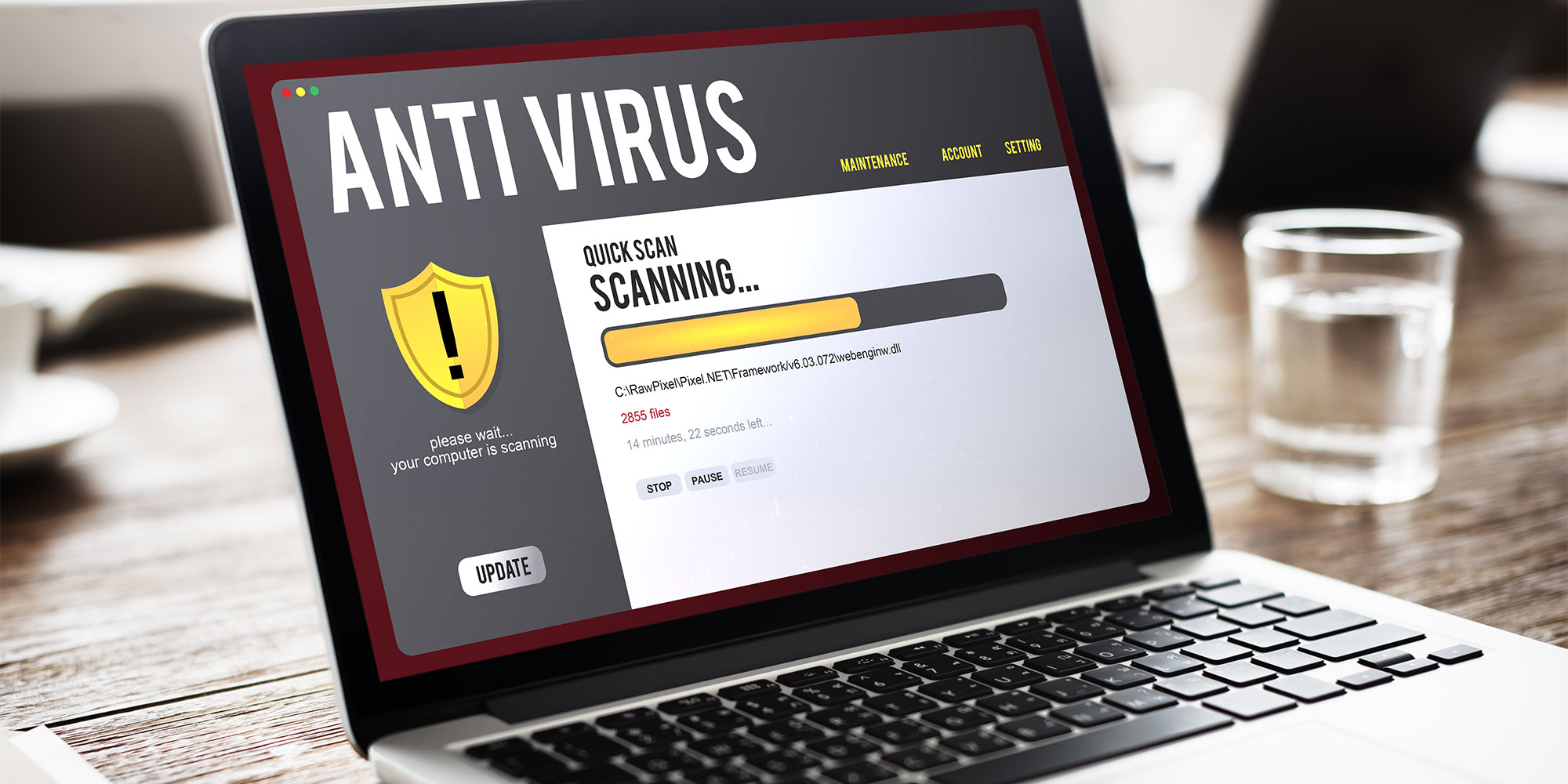
Unfortunately, scammers will try just as hard to target your computer as they will with spam phone messages. Many scams rely on malicious links, fake websites and infected downloads designed to steal your personal information or install harmful software on your device.
A good antivirus package can help protect you by flagging suspicious websites, blocking phishing attempts and stopping malware before it has a chance to infect your machine.
Strong protection doesn’t always have to cost money, either. The best free antivirus we’ve tested offers excellent protection against malware, ransomware and phishing scams, while staying simple to use. It lacks some of the extra tools found in paid-for versions, but its strong core protection and clear interface make it a standout free choice.
Explore our guide to the to see which free software packages we recommend.AI-powered scam detectors
If you’ve ever received an email or text that looks convincing but still feels off, AI-powered scam detectors are still emerging, but they can be a useful way to sense-check.
Browser extensions
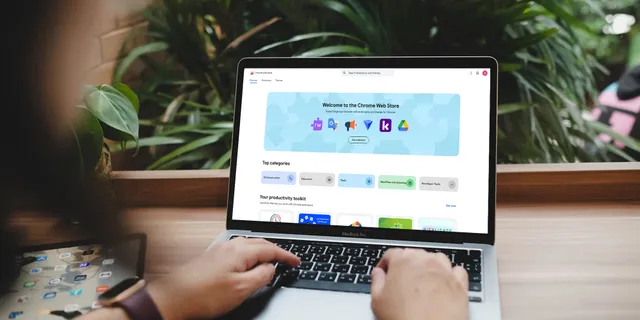
Free browser extensions can add an extra layer of protection while you’re online. These small add-ons run inside your web browser and can block malicious links, flag risky search results and limit tracking. Popular picks include:
See also:Join Which? Tech Support
Which? Tech Support can help you keep on top of your home tech. Our experts explain things clearly so that you can resolve issues and feel more confident using your devices.
Get unlimited 1-2-1 expert support:by phoneby email by remote fixin printWhich? TechJoin .source https://www.which.co.uk/news/article/free-tools-that-can-prevent-scams-a7jRK4c1Wikc