
Carers are increasingly turning to everyday gadgets to make life safer, simpler and less stressful for the people they look after.
By helping people stay organised, call for assistance and manage everyday tasks, the right tech can support independent living, from adjusting the heating in winter to making TV viewing more accessible.
Stay organised
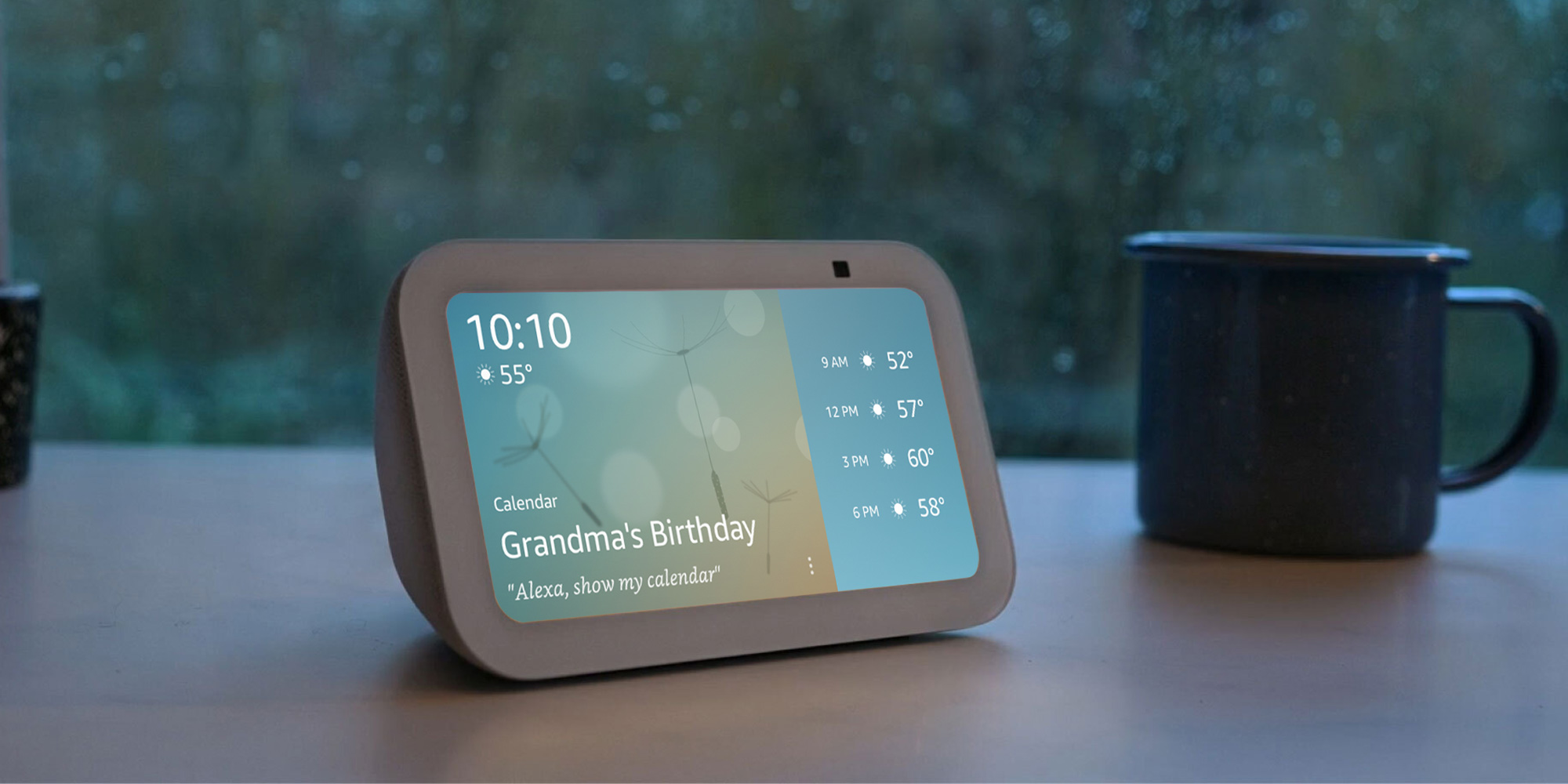
Keeping on top of everyday tasks, such as taking medication or remembering bin collection day, can be challenging. Smart tech can provide helpful reminders to keep important routines on track.
You can schedule Amazon Echo speakers to announce reminders at set times throughout the week. Smart displays like the Echo Show 8 can also show to-do and shopping lists on the screen or read them aloud, offering handy visual and audio prompts throughout the day.
Martin Pratt, Which? smart speaker expert, says:
'Echo Shows are great for timers, reminders and answering the quick questions you might typically reach for your phone to check. Things like getting a weather forecast, checking whether a shop is open, making sure there aren’t any problems on the motorway and similar queries are where Echos excel.
'While you might forget things on occasion, your Echo won't, so it’s brilliant for keeping you on track with anything regular. You could ask the Echo to remind you to take your tablets at a set time every morning, take meat out of the freezer to defrost, or that your favourite show is starting.
'What sets the Echo apart from a simple timer is that Alexa uses words rather than alarms.'
Popular with Which? members: Amazon Echo Show 8 (3rd Gen)
 We like: We don’t like:
The Echo Show 8 combines the functionality of a smart speaker with an easy-to-use touchscreen display.
You can control it using voice commands or by tapping the screen, and there are physical buttons to mute the microphone, adjust the volume and dismiss alerts.
The display can show useful information such as your calendar, reminders, notifications and favourite photos. It also has a built-in camera for video calls, allowing you to stay connected with family and friends through other Echo Show devices or the Alexa app on Android, iOS and PC.
Keep an eye on the door
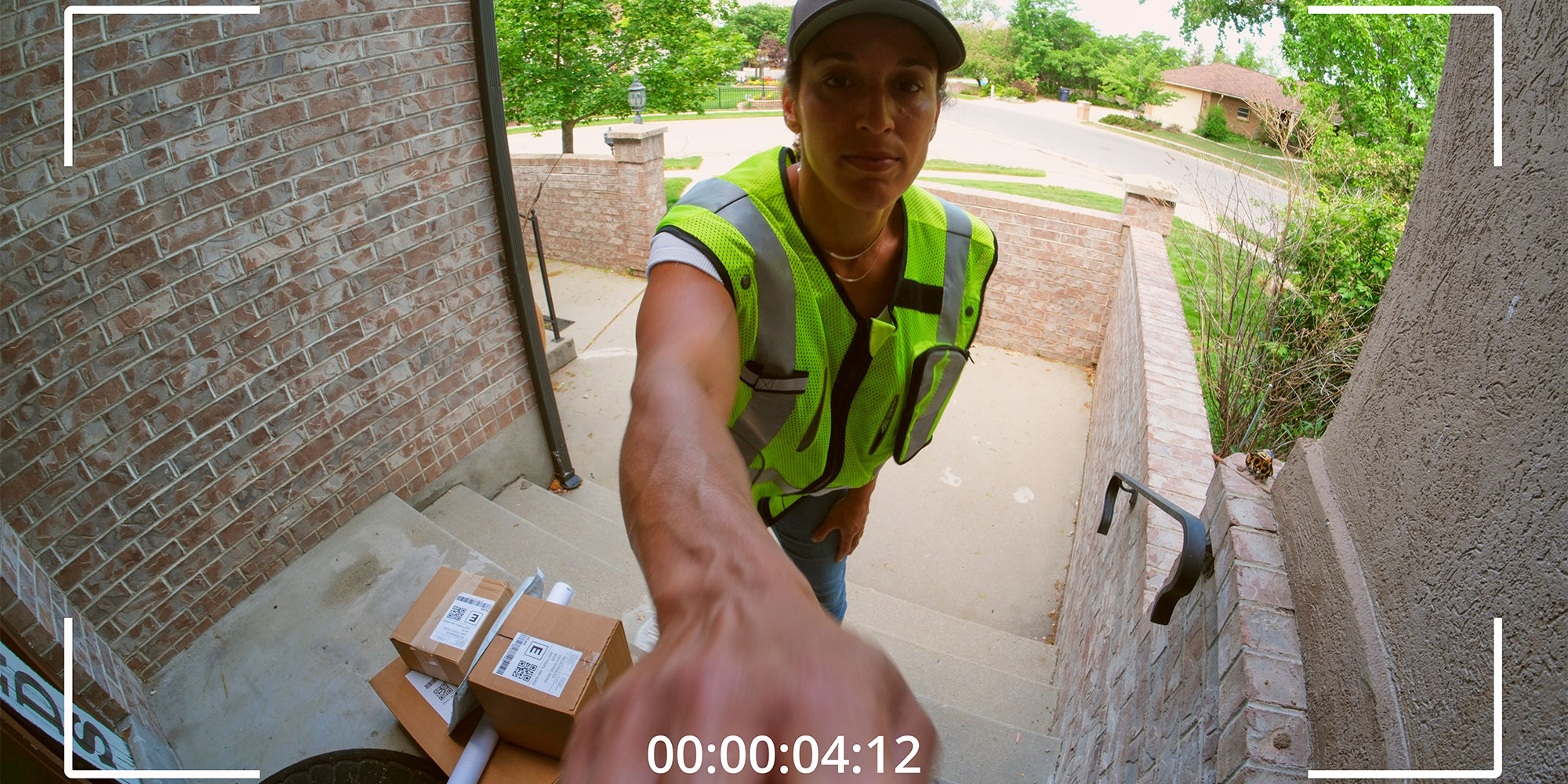
If the person you care for is nervous about opening the front door to strangers, a video doorbell outside and a smart display inside could be a massive help.
You can set it up to show a live view of the front door on a screen in the hallway or kitchen.
It could also be useful for you to know who is coming and going from the property, helping you keep tabs on whether the carers have come in, how long they stay and so on.
Patrick Gallagher, Which? security camera expert, says:
‘A video doorbell or security camera can make a big difference to someone who feels less confident answering the door. They can see who is there before deciding whether to open it, and family members may also be able to check when a visitor arrives.
'There are some privacy issues to think about, though. If a camera is recording beyond the property, particularly areas such as the pavement or a neighbour’s home, there can be data protection implications.
'People who are regularly being recorded, such as carers, should also be made aware that cameras are in use. It’s worth taking a few minutes to check exactly what the camera can see, where recordings are stored and who can access them. Used sensibly, they can improve security without becoming intrusive.’
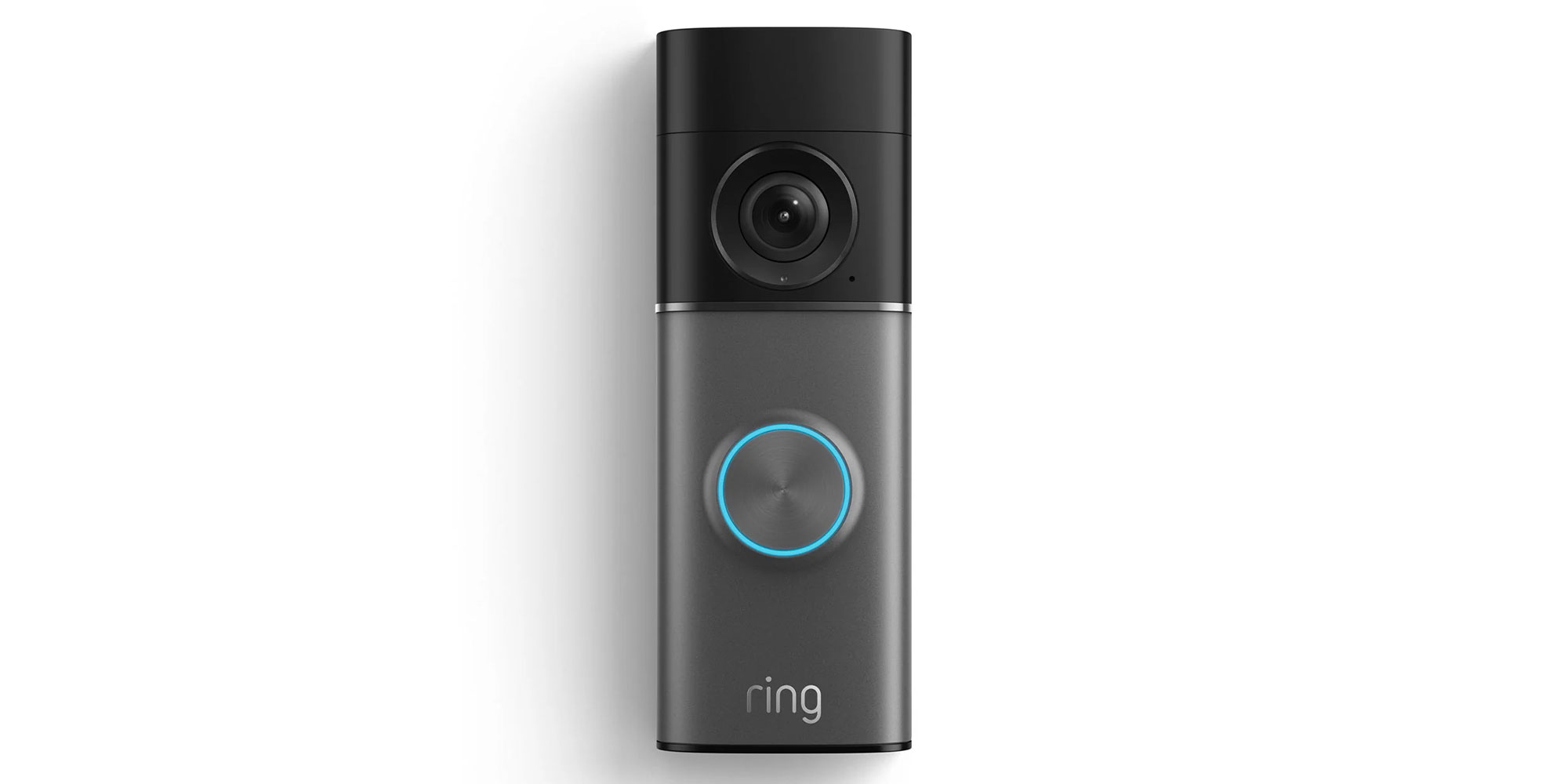
Popular with Which? members: Ring Wired Video Doorbell Pro (3rd Gen)
 We like: We don’t like:
Installing a video doorbell, such as the Ring Wired Video Doorbell Pro (3rd Gen), lets you see your front door from an app on your phone.
When someone approaches the house, the doorbell detects motion. You’ll get an alert on your phone and, if you have one, on a smart display.
If you prefer a more traditional setup, the bell still has a button, and you can add an indoor chime so you’ll still hear when someone rings.
Solve PC problems

If you’re always getting calls to help with PC problems and it’s tricky to explain the fix over the phone, or you don’t have time to pop over and help, it could be worth installing remote access software on their device.
That way, you can control their computer from your laptop when you have a spare minute at home.
Of course, you’ll need to get their permission to install it on their PC, but it could make helping them much quicker and easier.
Manage the heating
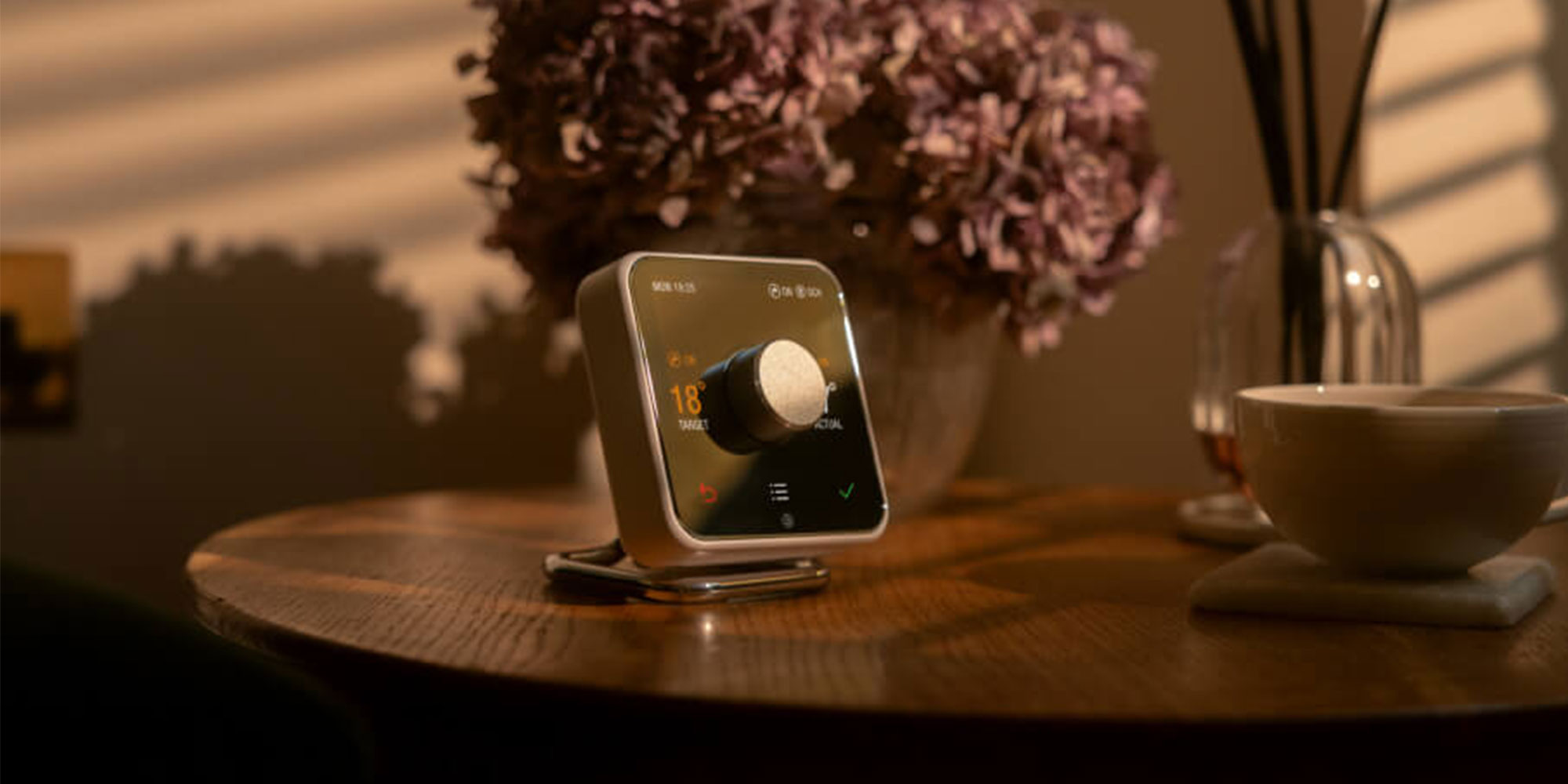
If the person you care for regularly struggles to adjust their heating, a smart thermostat lets you manage it for them remotely via an app on your phone.
They won't have to suffer through a freezing home or struggle with overly hot rooms, and you won't need to make a trip to their house every few days to tweak the settings.
As a bonus, it can significantly trim their energy bills. You can ensure the heating runs only when needed and keep a helpful eye on energy use over time.
Patrick Gallagher, Which? smart thermostat expert, says:‘Being able to control the heating remotely can be really useful if you have an elderly relative living on their own.
'If the weather turns cold, you can check that the heating is on and turn it up if necessary without having to be there. It can also be helpful for people who have a regular routine, as the heating can be set to come on at particular times rather than them having to do it themselves.
'I think the main benefit is the reassurance it gives family members, while still allowing the person in the home to use the heating as they normally would. It’s not a replacement for checking in on someone, but it is a simple way of keeping an eye on things when you can’t always be there.’
Popular with Which? members: Hive Thermostat V4
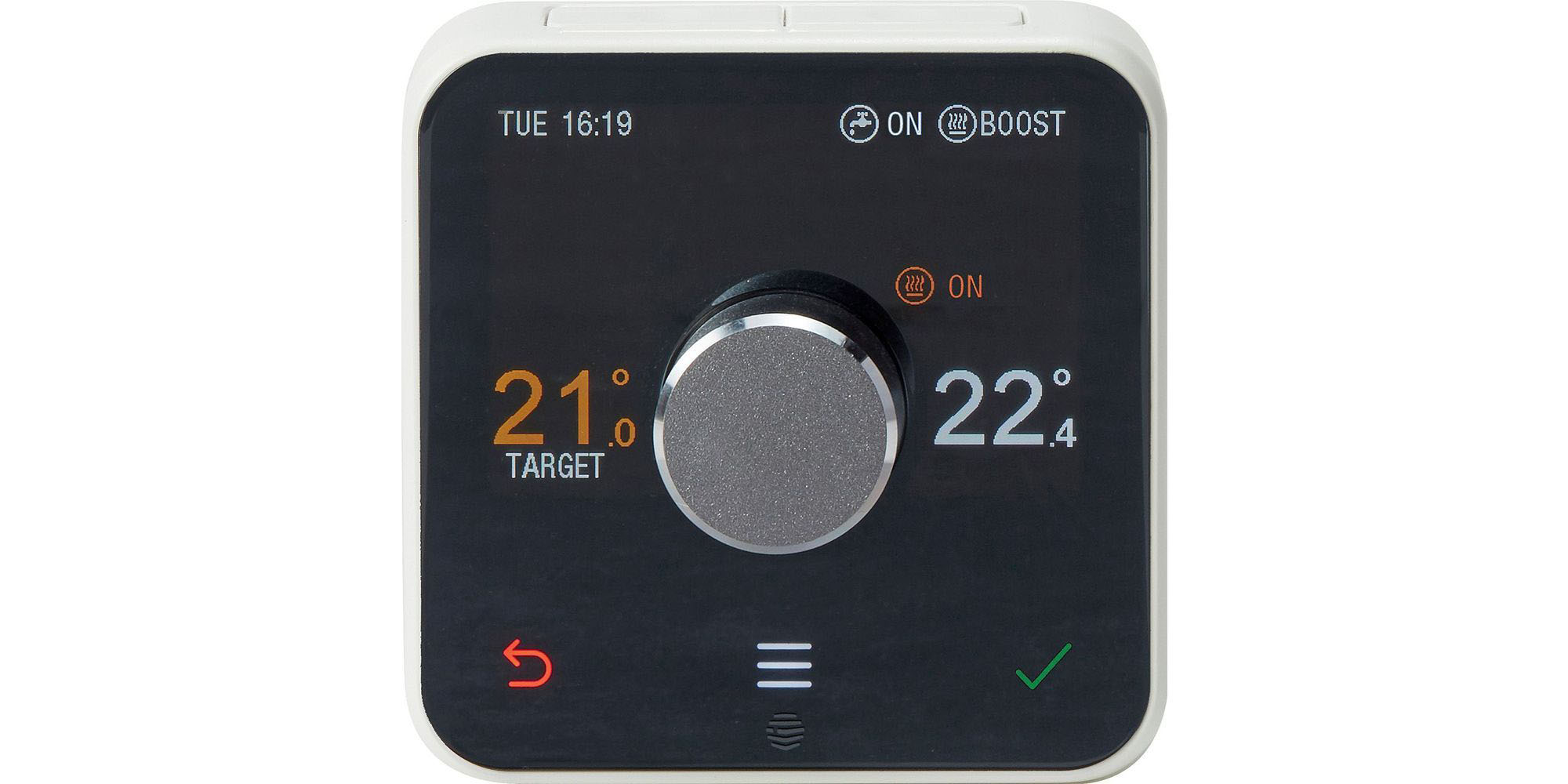 We like: We don’t like:
Hive's smart thermostat keeps heating simple for everyone.
You can set routines, monitor energy use and manage settings remotely via the Hive app. Meanwhile, the person you look after retains full control at home.
They can adjust the temperature using the wall dial or by asking Alexa, without ever needing to touch a smartphone.
Control the TV
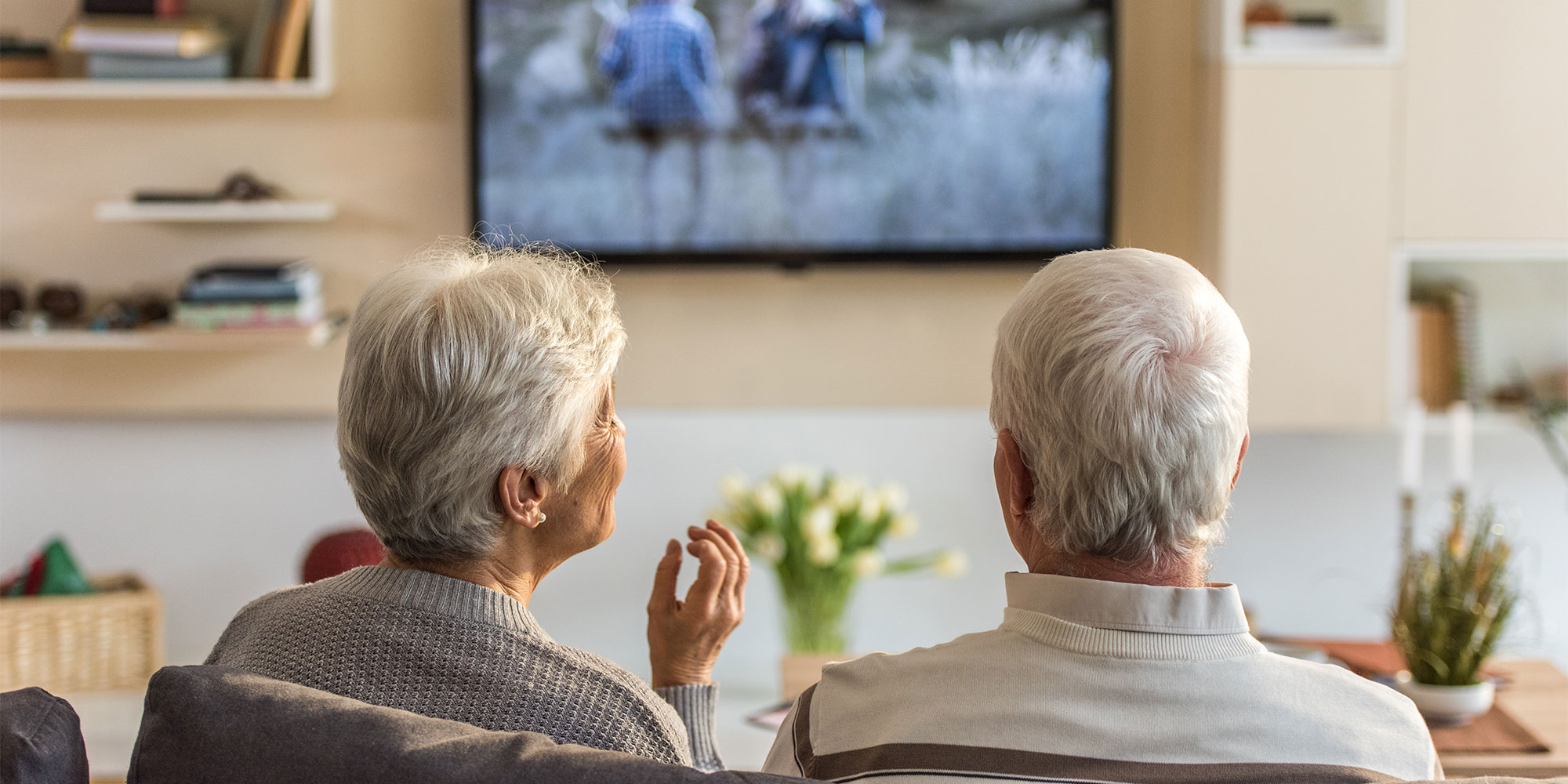
Navigating a TV's menus and settings can be frustrating, so it's worth setting up voice controls. This lets the person you support simply ask for the programme they want to watch or adjust the volume, rather than having to navigate complicated menus. Many modern TVs and streaming devices include voice control as standard.
For a particularly straightforward setup, Amazon's Fire TV Cube can work completely hands-free using the Alexa wake word. It also acts as a universal infrared (IR) blaster, letting Alexa control functions on a connected TV, such as switching between HDMI inputs.
It's also worth exploring the accessibility features built into the TV itself. These can make viewing easier for people with hearing or sight impairments. Look for features such as subtitles, audio descriptions and high-contrast display modes.
Martin Pratt, Which? TV expert, says:'Almost all TVs have some level of accessibility tech, but the quality of these features varies. Screen readers are common, but while some read out everything on the screen in a logical order, others won’t read a word on certain menus, or will miss out key information.
'The best models give you access to different colour options as well as screen magnification, so you can watch in comfort and actually see what’s going on.
'When it comes to sound, look for a model with Bluetooth so you can pair your hearing aid, and make sure you pick the speech sound mode. Voices are often the hardest part of the mix to hear, so give them more emphasis to cut through the bass and mid-range.'
Stay connected to family
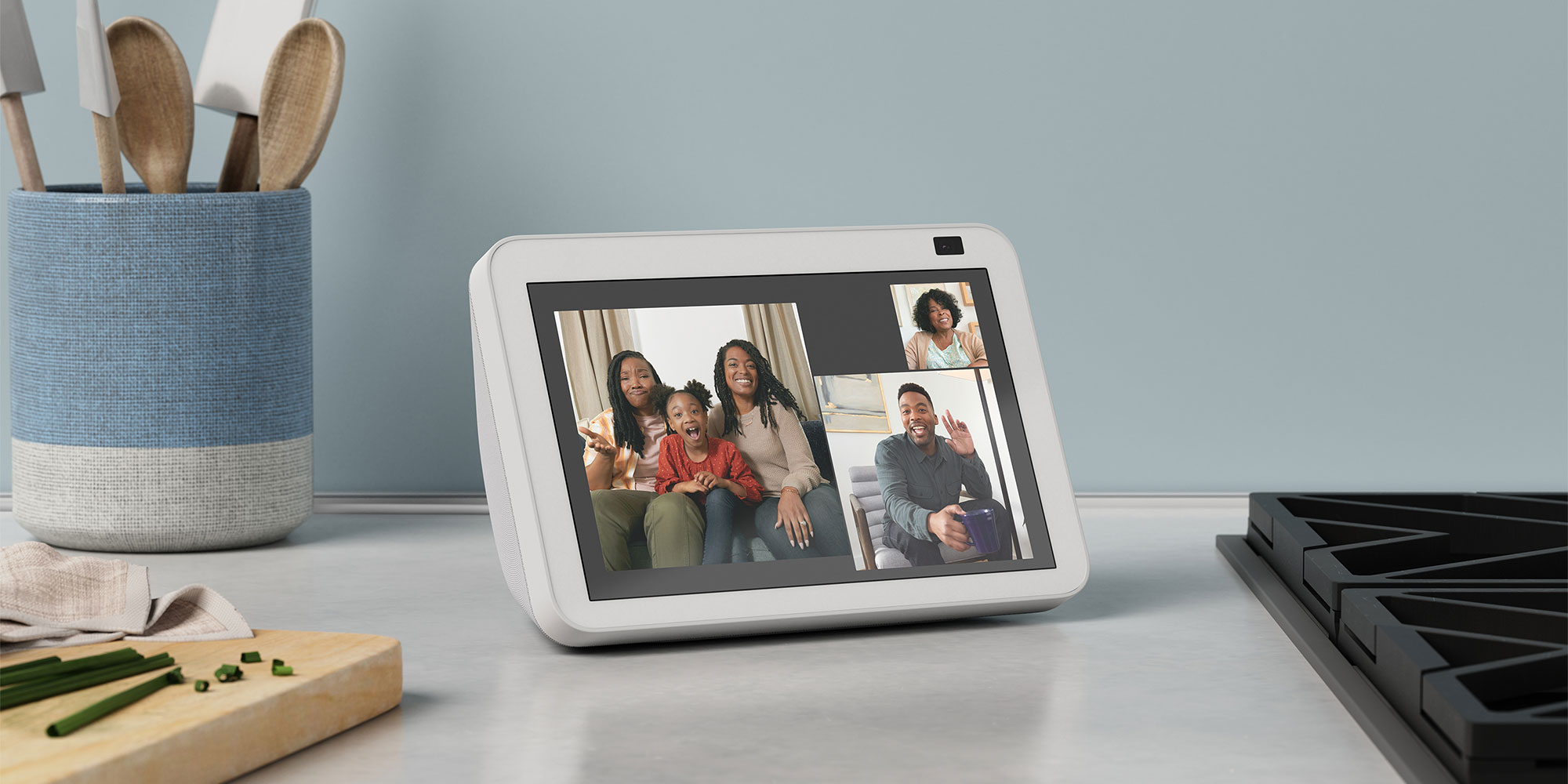
An Amazon Echo smart display is ideal for face-to-face check-ins and staying in touch with friends and family.
You don't both need a display – you can set one up in their home and call them anytime using the Alexa app on your phone.
To start a conversation, all they have to say is 'Alexa, video call [contact name]' and when they're done, 'Alexa, hang up'.
When it's not being used for calls, the Echo Show can double as a digital photo frame displaying family photos throughout the day.
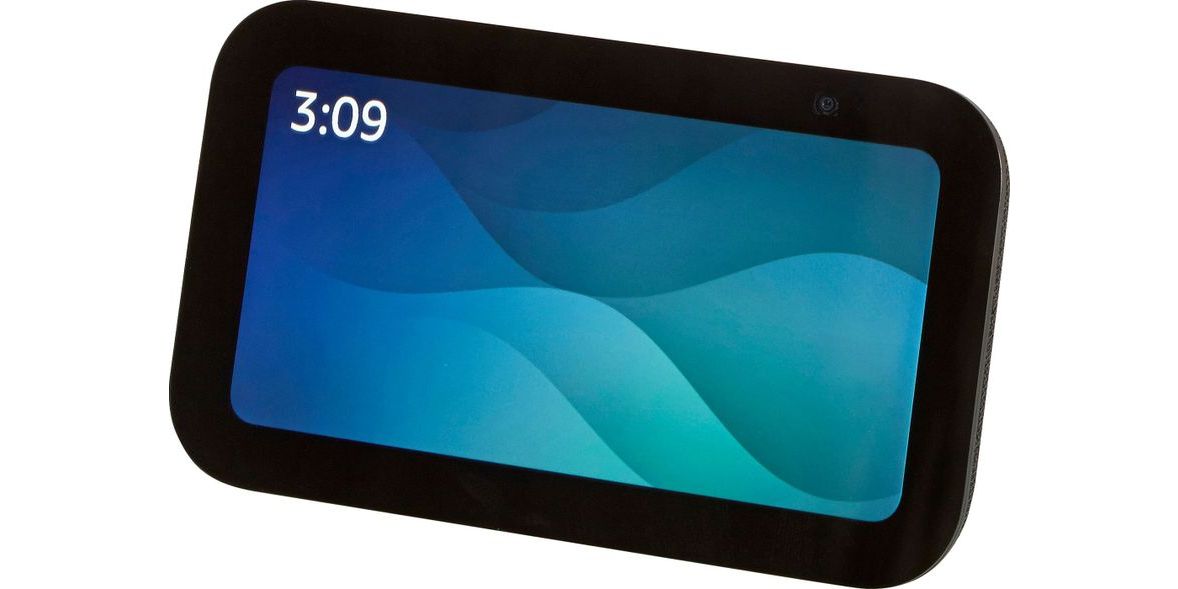
Popular with Which? members: Amazon Echo Show 5
 We like: We don't like:
 If you don't want to overspend on a smart display but still want all the benefits of a smart speaker with a screen, the Echo Show 5 is the smallest and most affordable of the Amazon displays.
You can use it to make video calls, display photos, remind you of tasks for the day and tell you what's on your calendar.
Call for help
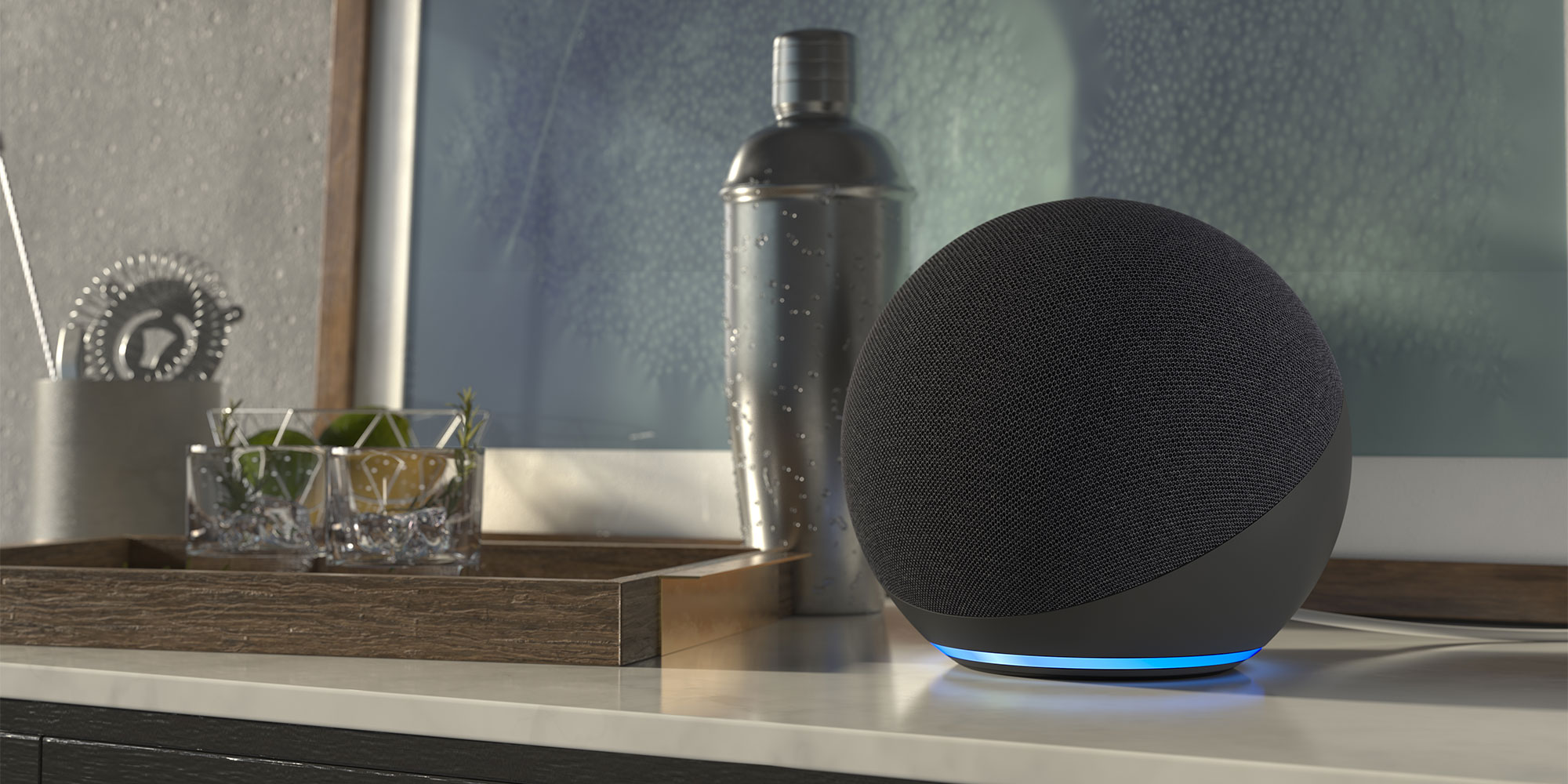
Smart speakers around the house aren’t just useful for setting reminders or staying connected with family. You can also use them to call for help.
Amazon Echo has a feature that can call or text a designated person when you say ‘Alexa, call for help’ or ‘Alexa, call my emergency contact’.
MoreCommunicate Contacts Menu Emergency ContactsGive access to family, friends and carers

If the person you're looking after regularly has people coming and going from the house but you’re not keen on handing out or hiding keys, a smart door lock could be the answer.
Smart door locks replace traditional mechanical locks with an electronic alternative that uses a motor to turn the deadbolt.
Through a smartphone app, you can grant access remotely or issue temporary digital passes. Meanwhile, the person you’re caring for no longer has to struggle with small, finicky physical keys. They can simply open the door using a Pin code, fob or fingerprint scan.
Prevent bumps and falls
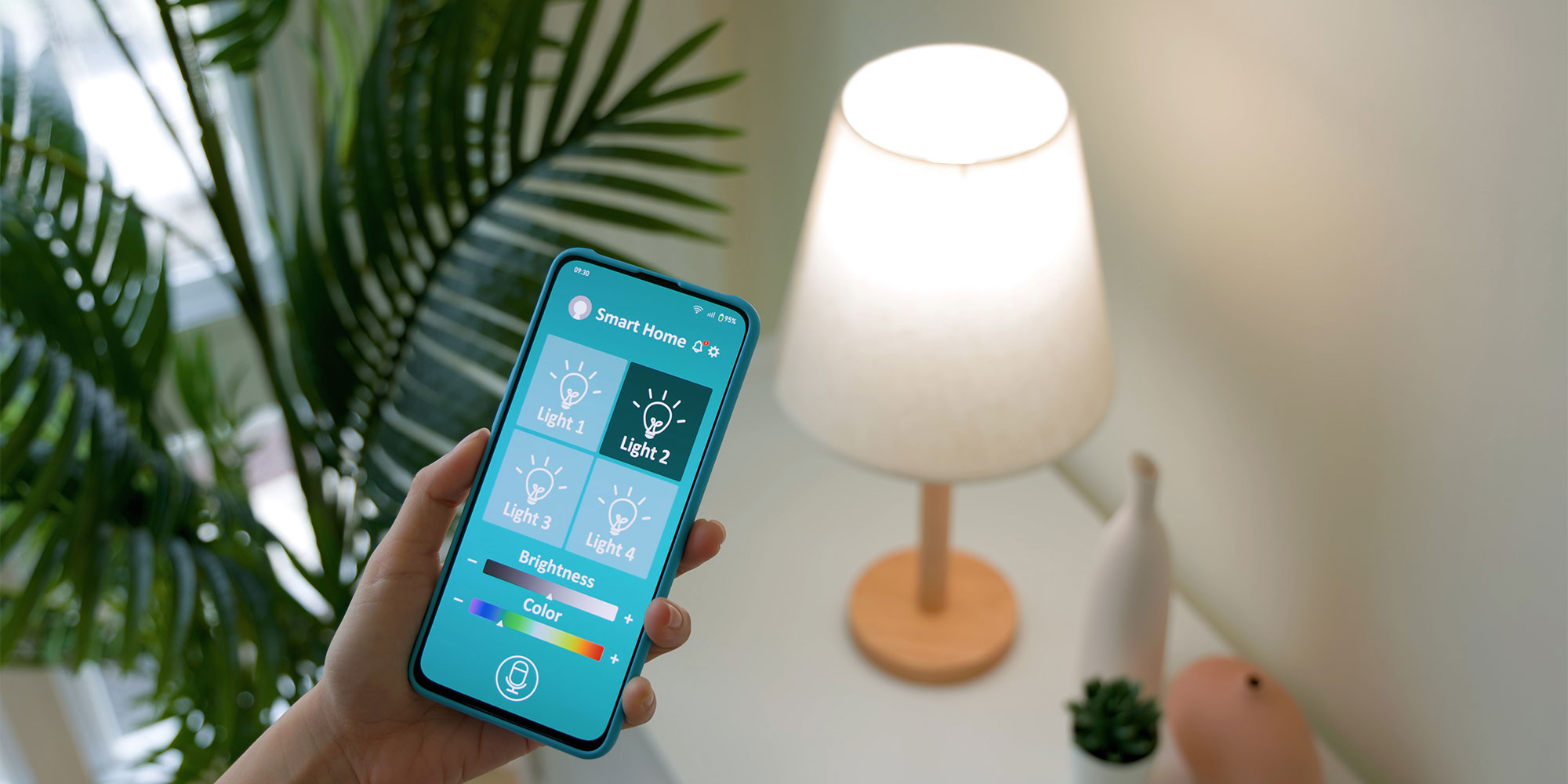
If you’re worried about relatives getting up in the middle of the night and hurting themselves while trying to find the light switch in the dark, it could be worth investing in some smart lights.
You can control them by voice with simple commands like ‘Alexa, turn on the lights’. If that gets confusing, a motion sensor placed in the hallway can trigger the lights to turn on automatically as your relative walks to the bathroom or kitchen.
? Here's why you might want to buy some.source https://www.which.co.uk/news/article/how-carers-can-use-amazon-echo-and-other-smart-tech-to-support-loved-ones-a0RFc4w3dwnk